
Win STORM Help - Activate a Product License


Win STORM is in beta stage. While we're debugging the application, please report any bugs you find through our Contact form.
When you complete a license purchase or a trial license request, you get a link that lets you download your new license file. You can also download the file anytime from your User Control Panel page.
If Win STORM is already installed in your computer, you can activate your license by opening it directly from your web browser. This is the simplest way.
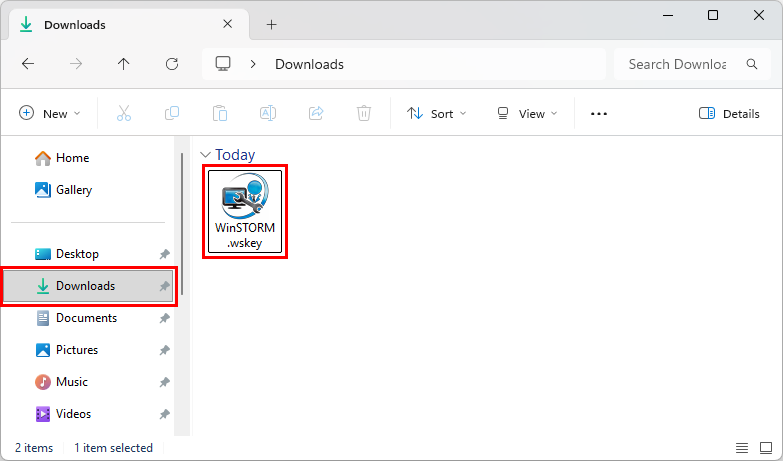
Another way is to locate the license in the folder you've downloaded it to (usually the Downloads folder), and then double click the downloaded file. You can also copy the downloaded file to the application folder, which will automatically activate your license the next time you launch Win STORM.
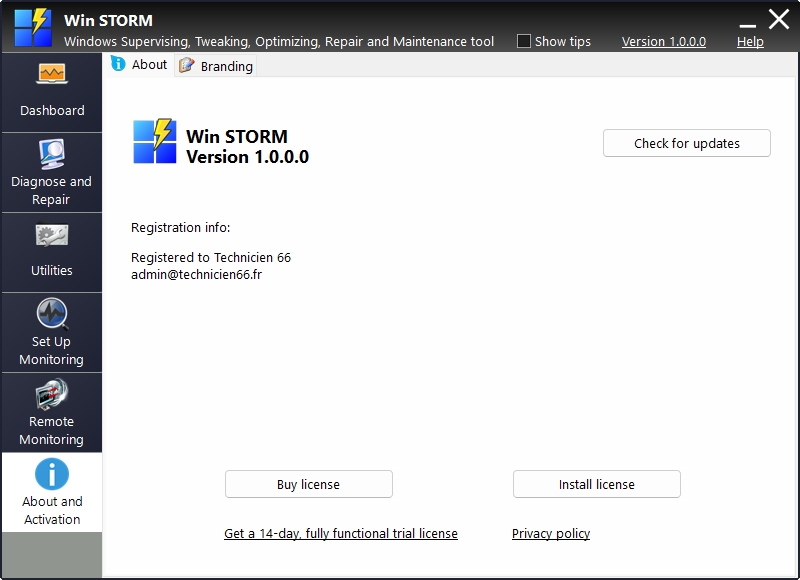
Finally, you can activate your license from the About and Activation Win STORM's page shown below. Click the Install license button, locate your downloaded file and open it.
Conclusion
So, you have several ways to activate your Win STORM license:
- By opening your license file straight from your browser after downloading it.
- By double clicking the downloaded file from the Windows File Explorer.
- By copying the downloaded license file to Win STORM's folder.
- By clicking the Install license button in the About and Activation page.
Note: The first two options above require that Win STORM is installed to Program Files. It will not work with the Portable version.
